

Text to video clip of a silver zeppelin gliding out of pink clouds above red rooftops at sunrise, AI generated video of a snowboarder in an orange jacket launching off a snowy halfpipe into a blue sky, AI video of a golden firebird spreading its glowing wings on a snowy pine branch at night, Text to video AI clip of a bonsai maple turning from green to deep red in warm window light, AI generated video of an alpaca in a rainbow blanket shaking its fluffy coat on a green hilltop

Text-to-Video

Picture a scene, put it into your own words and watch it come to life. Make text to video clips in HD, up to 4K on Pixelcut.

Model

Veo3 on Pixelcut

Veo3 at a glance

Input
Text or photosOptional start photo
Resolution
720p, 1080p, or 4K
Aspect ratio
16:9 and 9:16Landscape or vertical
Output
MP4
Clip length
4 to 8 s
Audio
On or offSound generated with the video

See what prompt to video can make

Describe any scene in words, and text to video on Pixelcut turns it into a short clip to download.

Claymation text to video clip of a plasticine walrus opening a red umbrella in falling snow
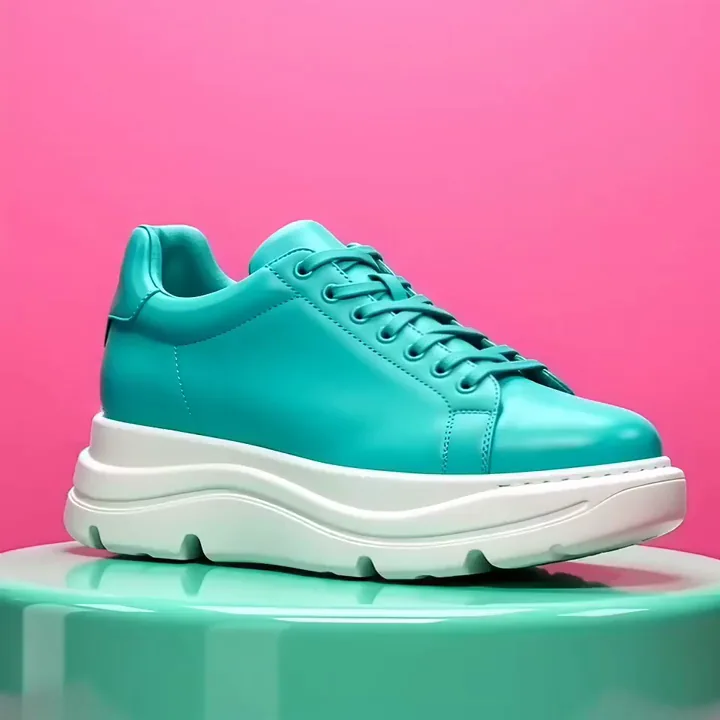
AI generated video of a teal sneaker on a mint plinth turning bright orange against a pink wall
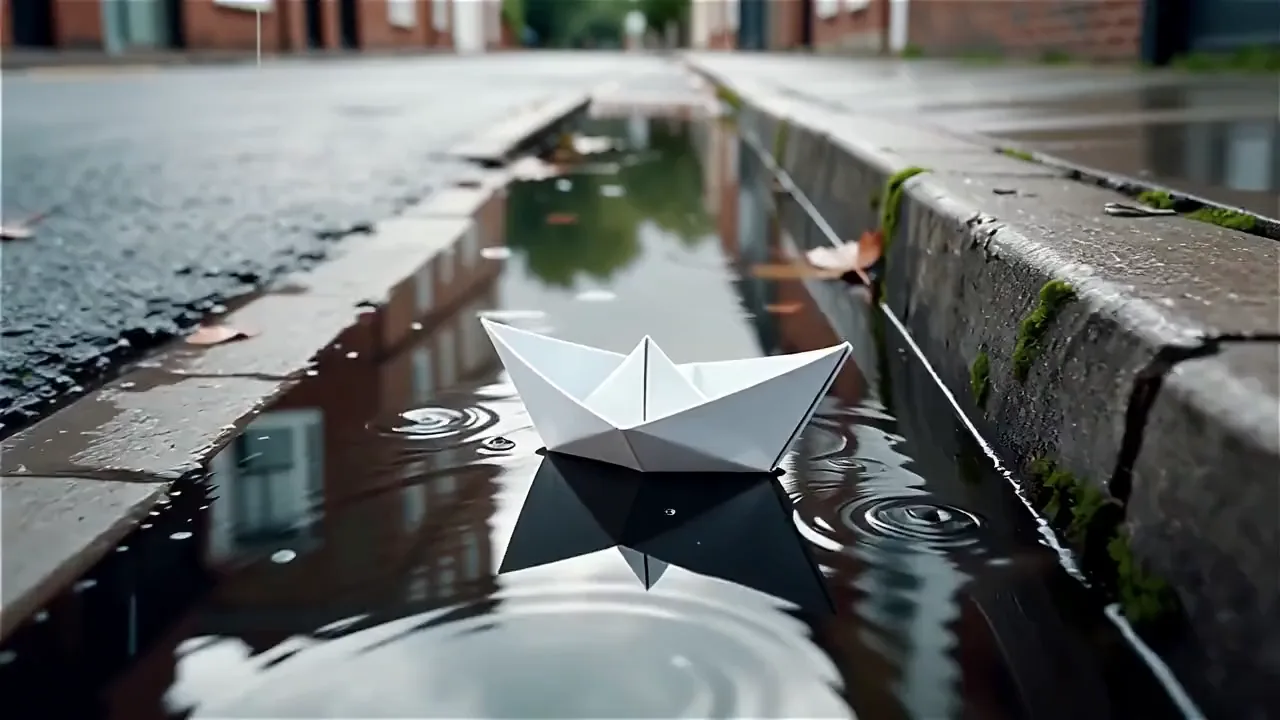
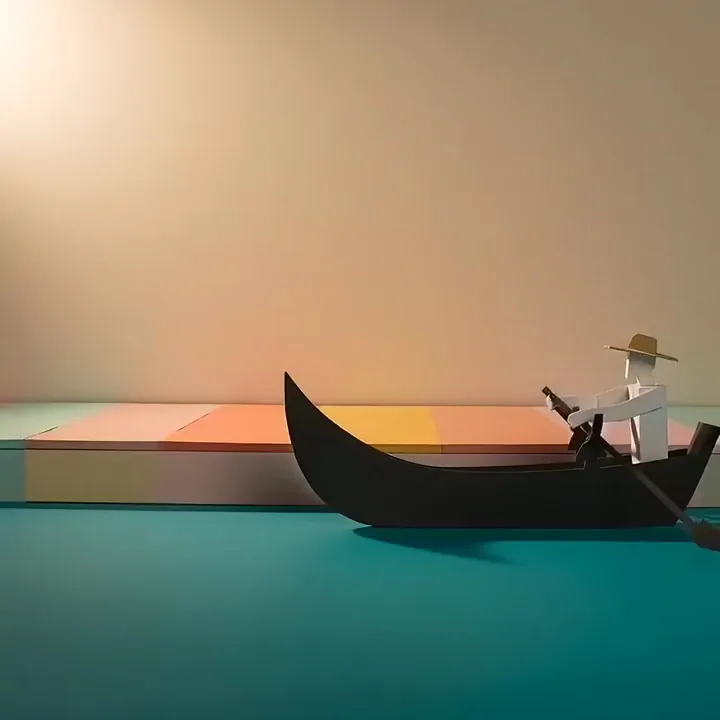
Text to video clip of a paper gondola on a turquoise canal as paper houses fold up behind it
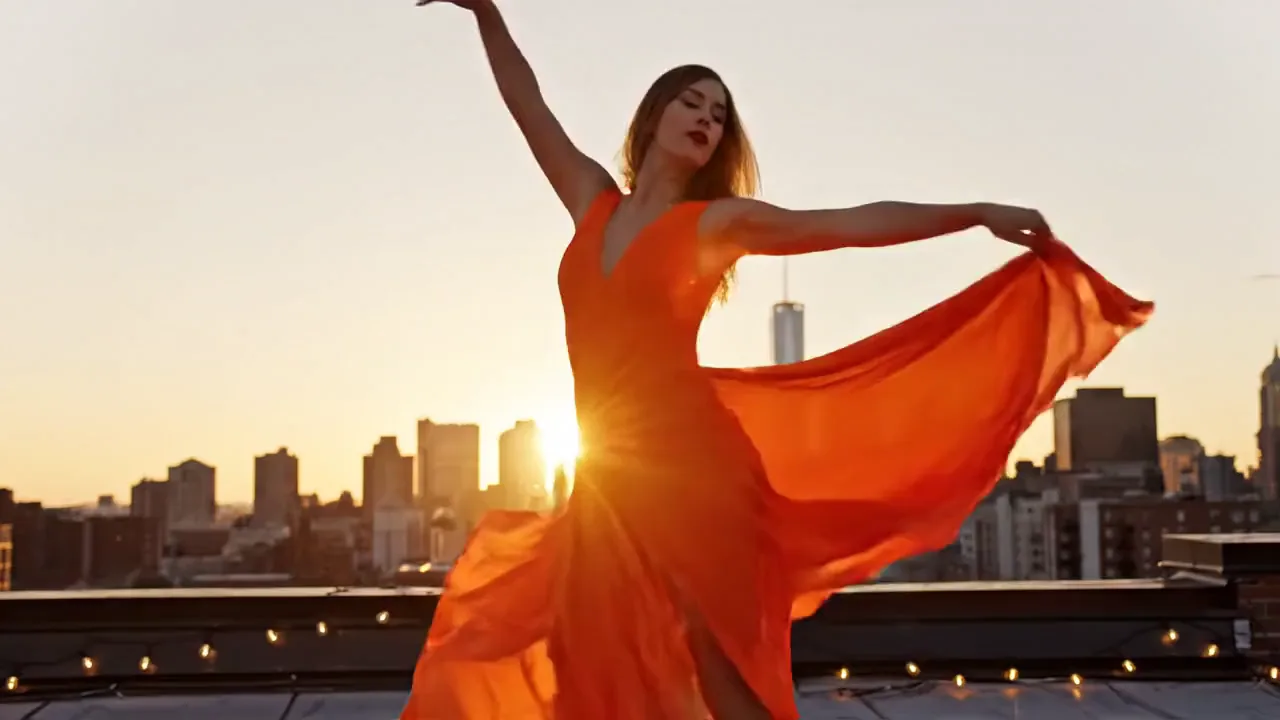
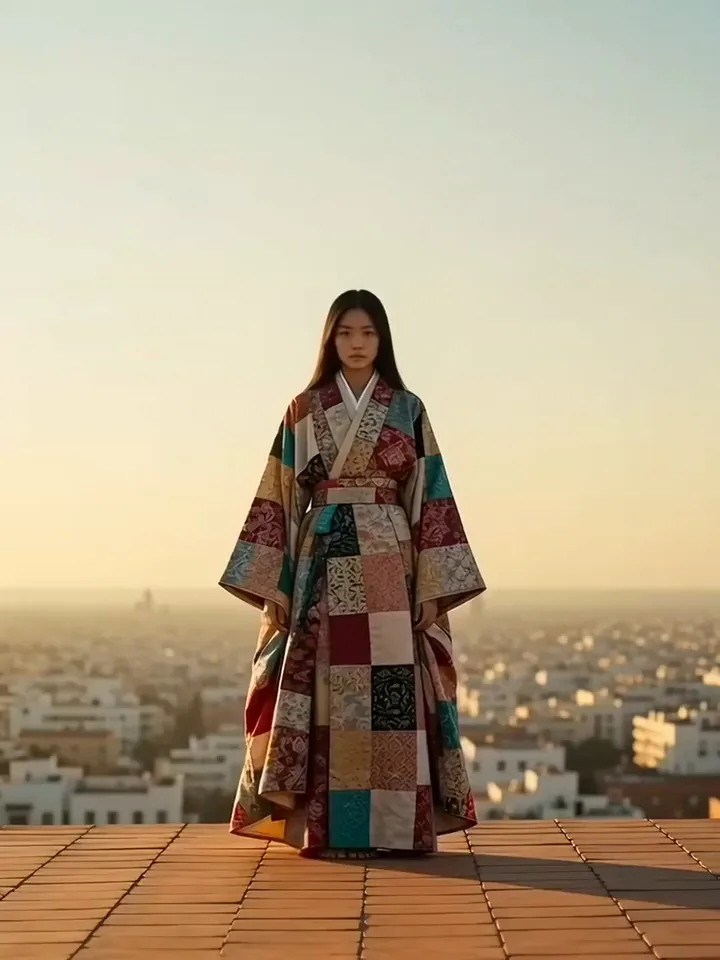
AI video of a model in a patchwork kimono walking forward as the wind billows her long sleeves
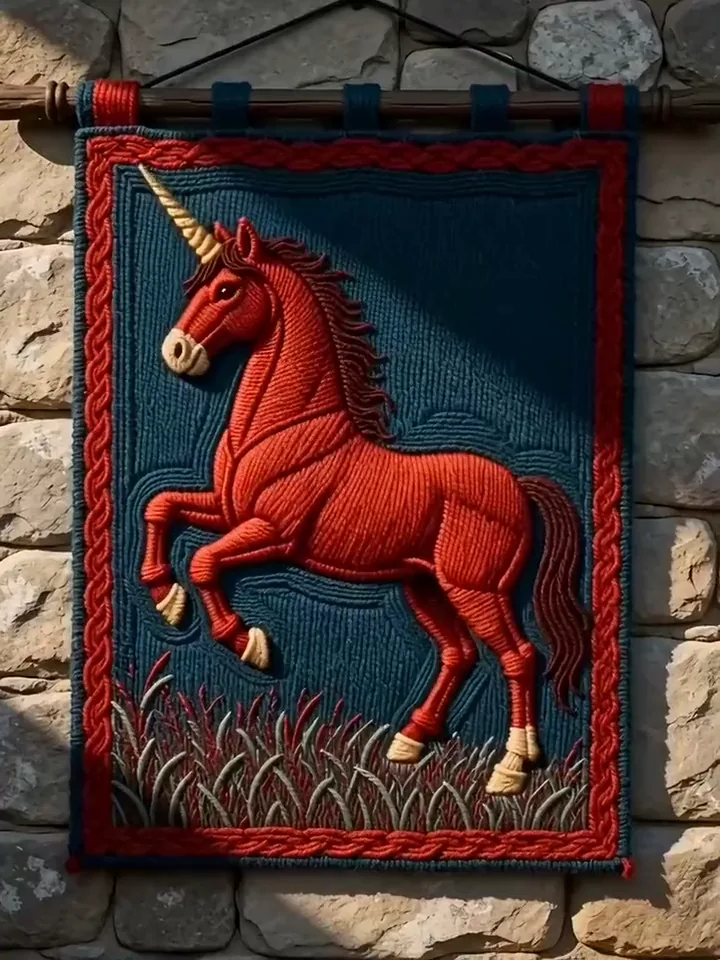
Text to video AI clip of a woven red unicorn on a medieval tapestry as its mane and horn glow gold
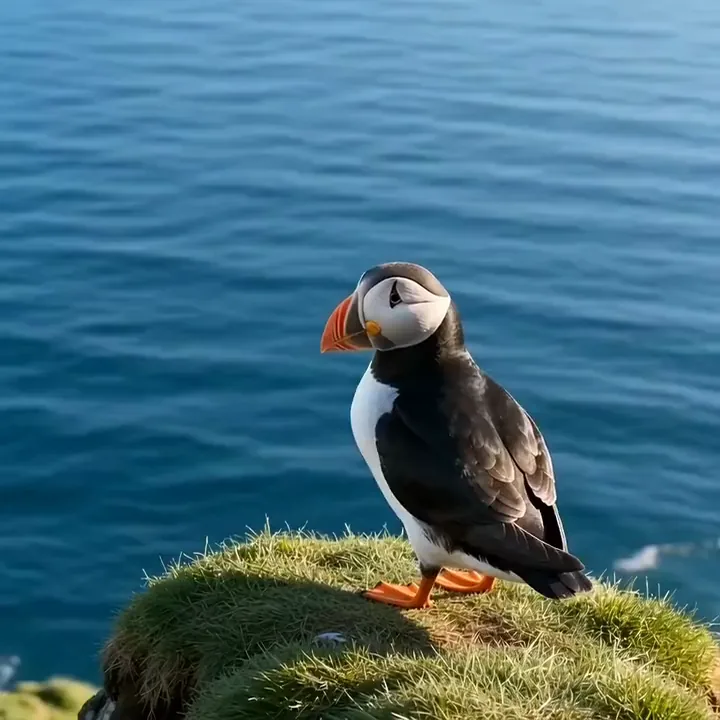
AI generated video of a puffin beating its wings and lifting off a grassy cliff over the blue sea
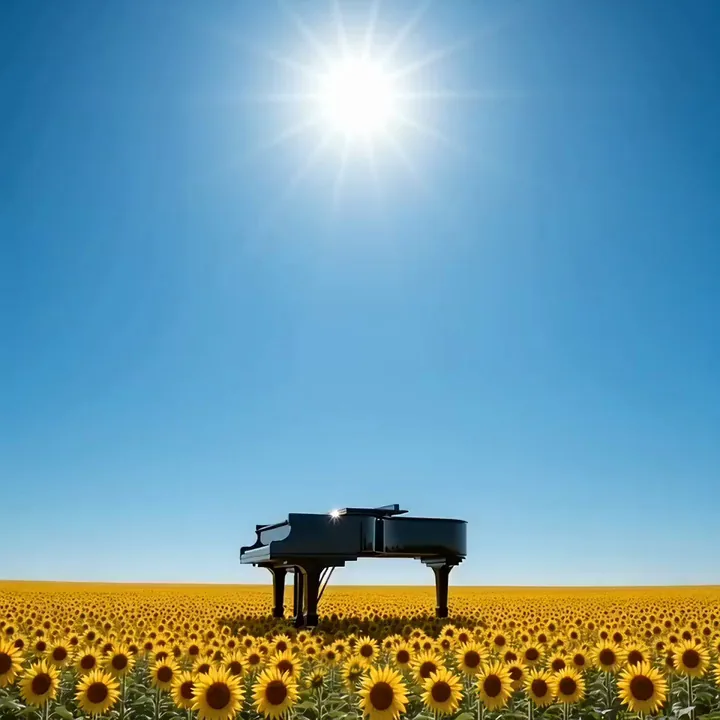
Text to video clip of a black grand piano floating up above a sunflower field under a bright sun
Anime style AI video of a spotted lynx landing on a snowy red temple roof at night

Start from words or a photo

Generate video from text or animate a photo

Text to video builds the whole shot from your words, from the setting and the light to the way the camera moves. Prefer to start from a picture? Image to video takes a photo you add and sets it moving the way you describe.

  1. Choose text to video or image to video
  2. Write the scene, or add a photo and describe the motion
  3. Press generate and keep the take you like

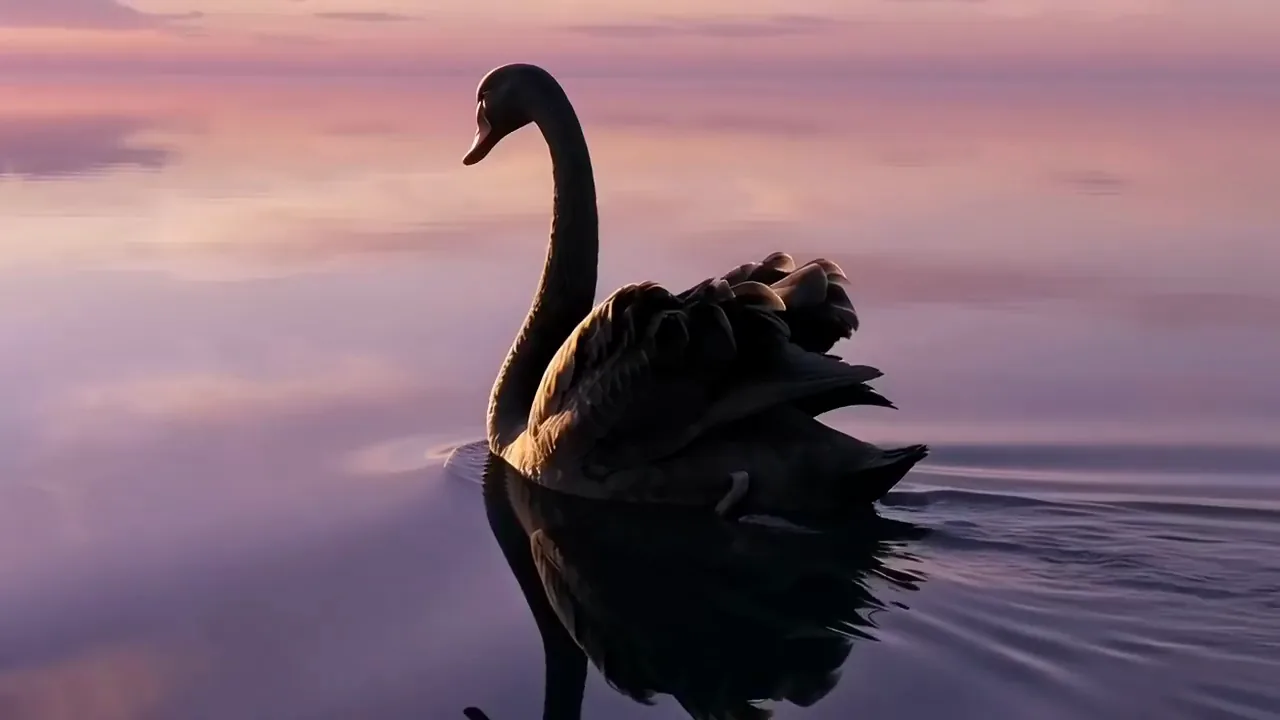
A black swan glides across a pink lake at dawn and spreads its wings wide

Text to video

Create text to video clips from one sentence
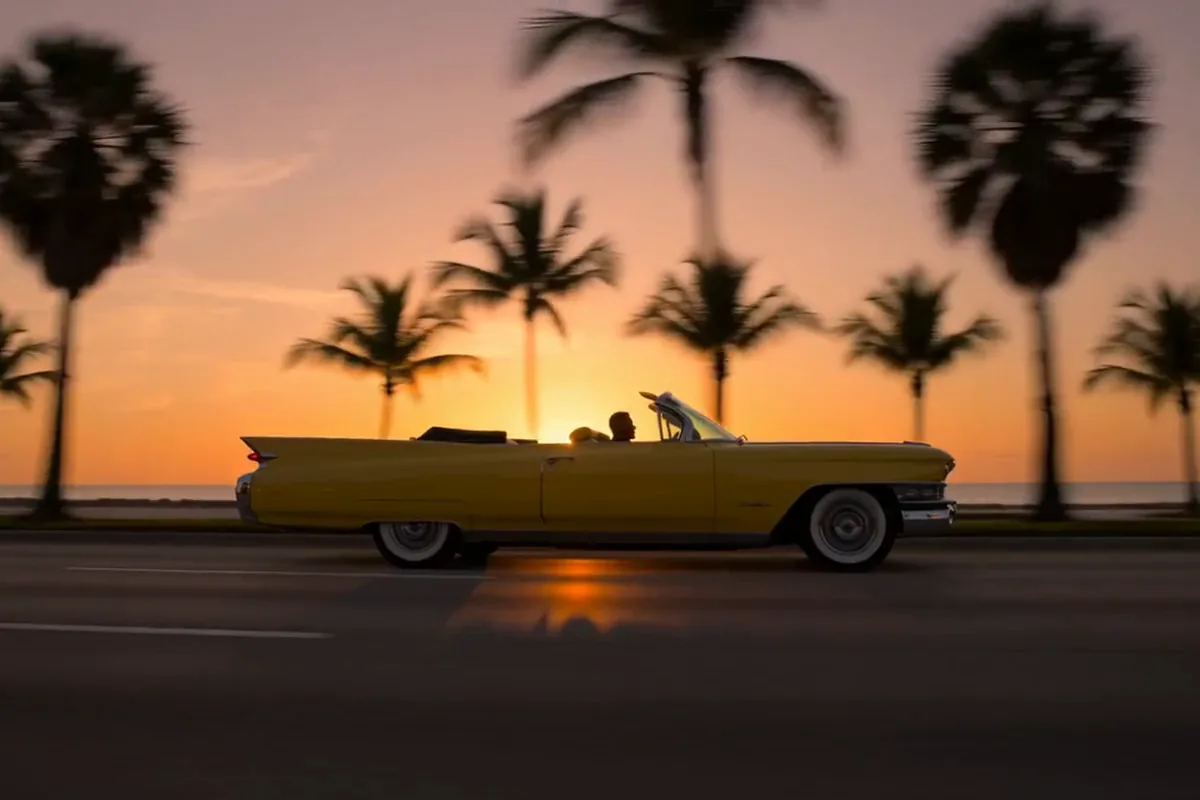
Text to video clip of a yellow vintage convertible cruising past palm trees at sunset

Write what you want to see, the way you would tell a friend. Pixelcut turns that sentence into a finished shot in motion. You need no editing skills and no software to learn. The prompt box on this page opens in text to video, ready for your words. If an idea lives in your head, you can watch it play out in minutes.
Get crisp HD video, all the way up to 4K

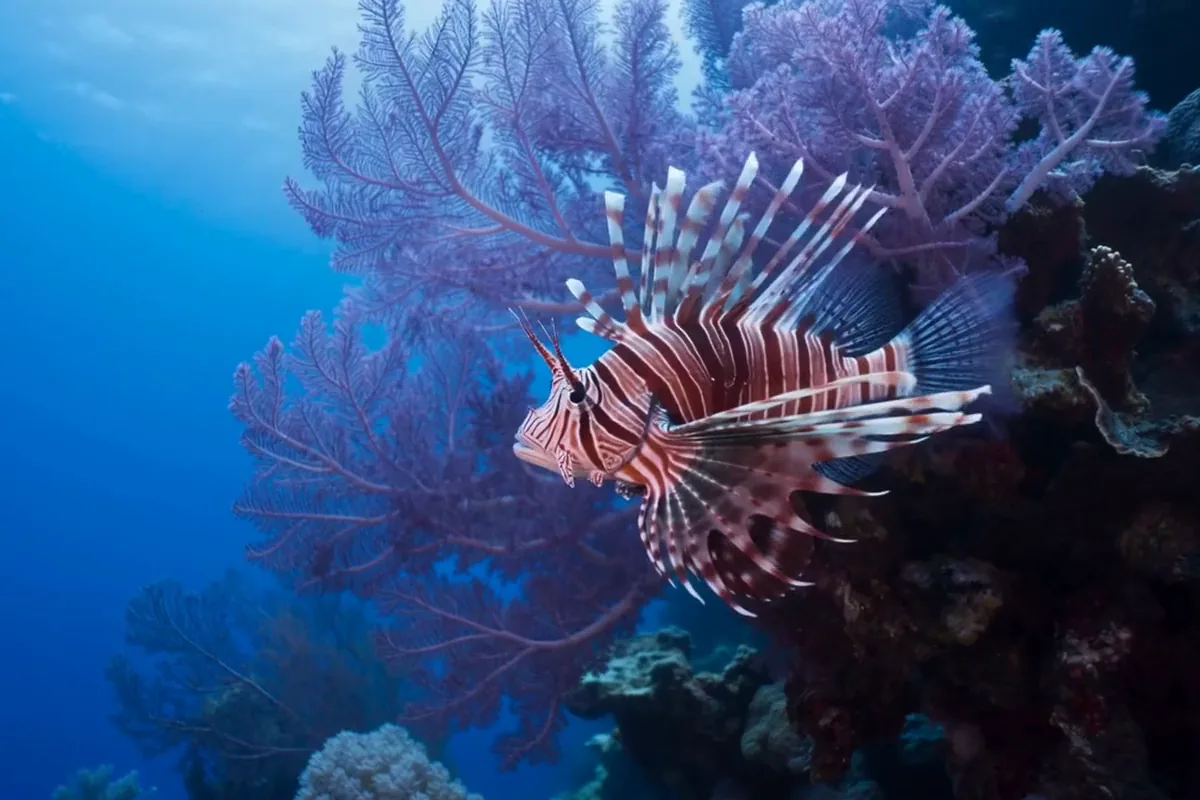
AI generated video of a red and white lionfish spreading its fins beside a violet sea fan

Get video sharp enough for the biggest screen you post to. Draft ideas quickly at lighter sizes. Then make your final clip in crisp HD. On Google's Veo, the sharpest takes go all the way to 4K for the shots where every detail counts. Your clip looks polished in a phone feed and still holds up when it plays on a big display.

Turn text into video with sound built in

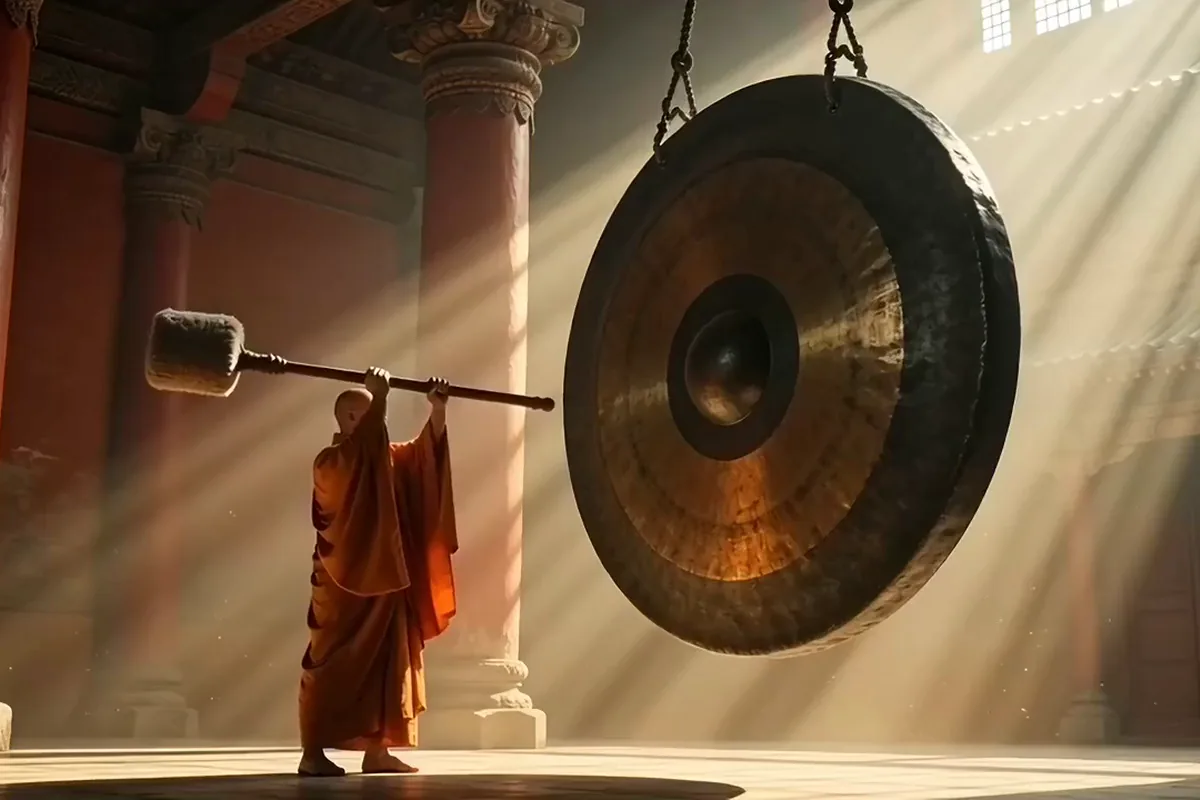
AI video of a monk in orange robes swinging a padded mallet beside a giant bronze gong

Let the scene sound as real as it looks. Pixelcut can create the audio together with the picture, from the same description you typed. That track carries the ambience and sound effects of your scene. You skip the hunt for sound clips and the slow work of adding them in an editor. Your clip is ready to post the moment it finishes, with the mood already in place.

Make one idea fit every feed and screen

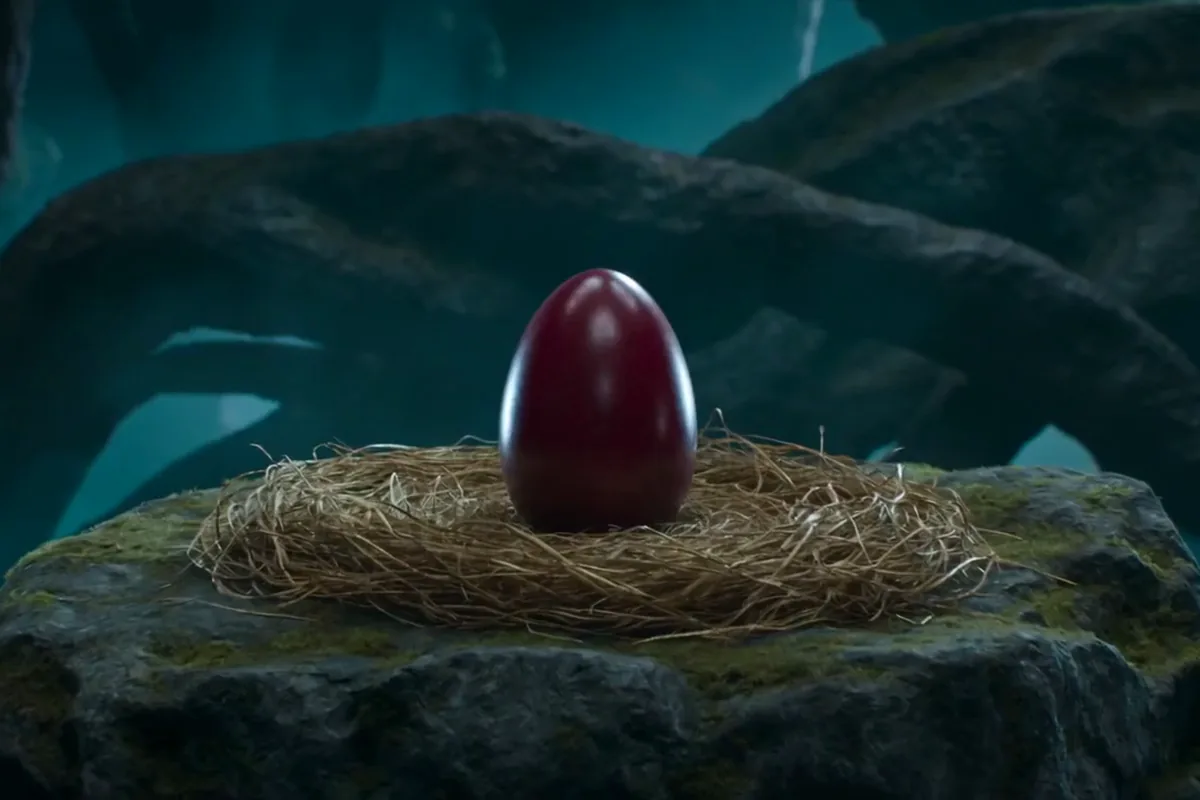
Text to video clip of a crimson egg hatching a baby dragon in a golden straw nest

Choose the shape of your clip before you generate, and the shot is framed for it. Go vertical 9:16 for phone feeds, wide 16:9 for YouTube and the web, or square 1:1 for a grid. Nothing gets cropped later from another shape. One idea can become a full set of clips. Each one looks native to the feed it plays in.

Refine one prompt across dozens of AI models

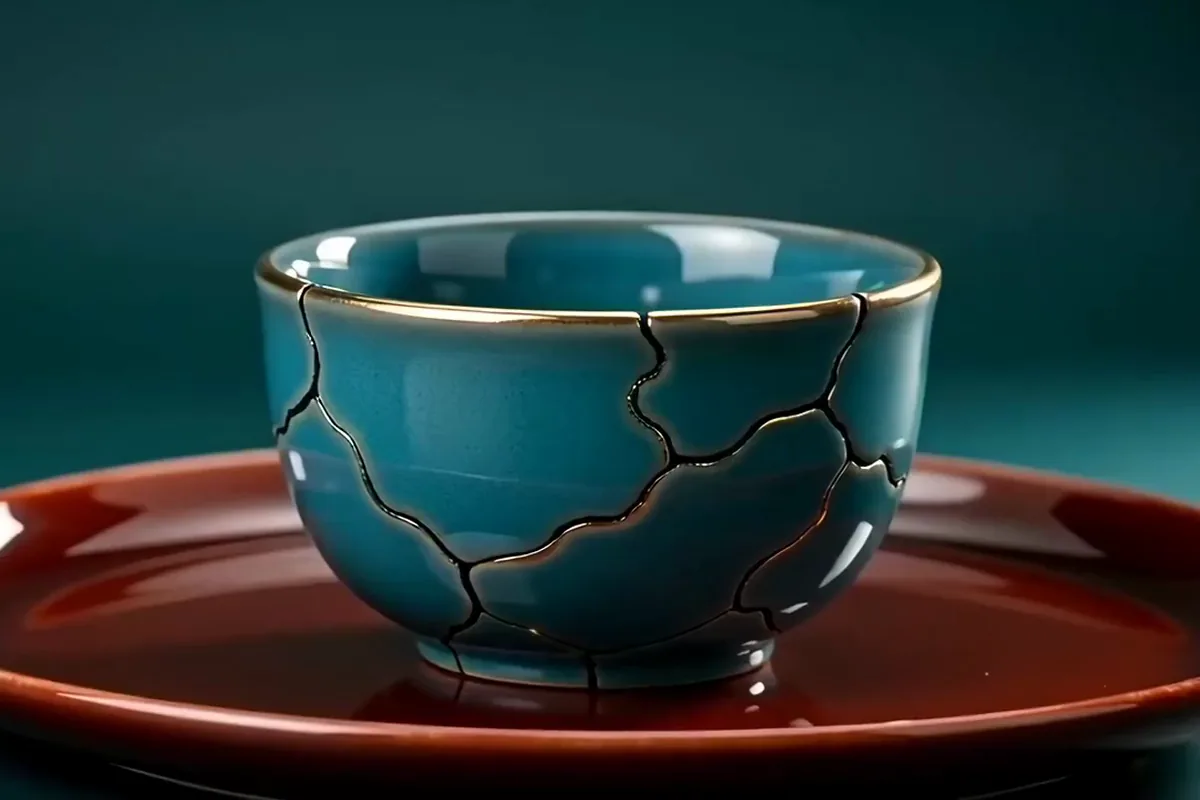
Video from text of a cracked teal bowl whose seams fill with glowing gold on a red tray

Keep a wide range of video models on one AI video generator. Work with Google's Veo or ByteDance's Seedance, among others, each with its own style of motion and light. When a take is close, change a few words and generate again. When it needs a different feel, try another model with the same prompt. Every take brings you closer to the shot in your head.

Give every feed, launch and lesson a video

Creators, small brands and teachers use text to video on Pixelcut to turn a written idea into a clip to share.

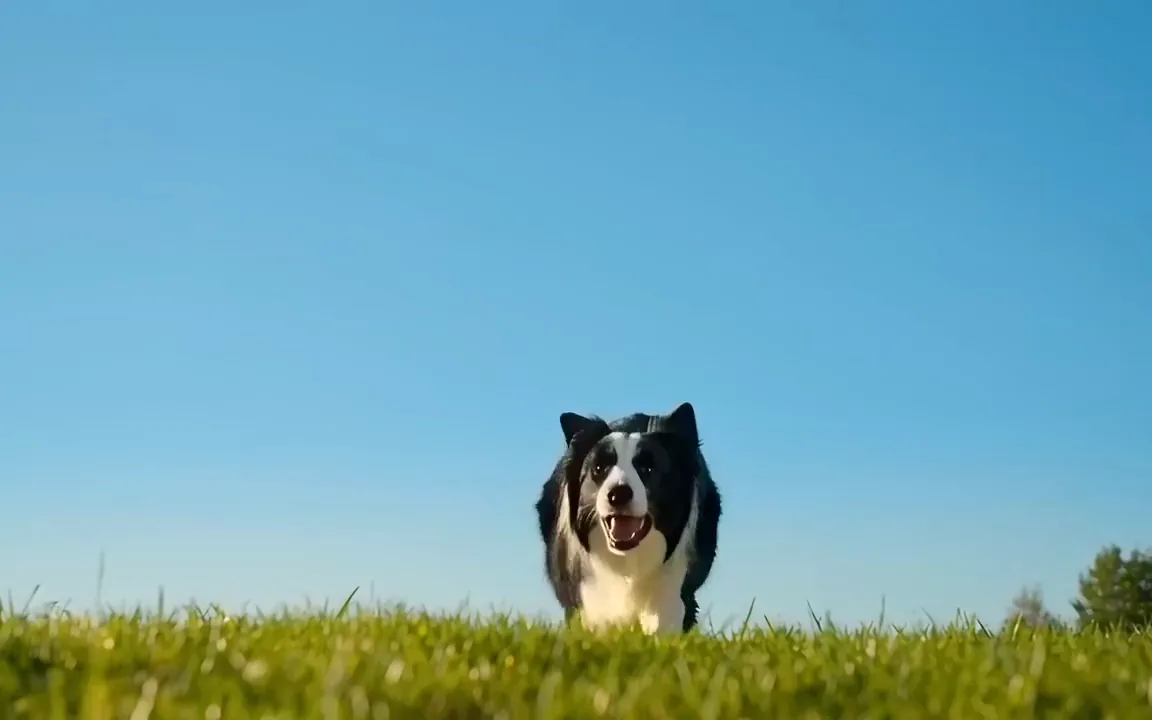
  • AI generated video of a border collie leaping to catch an orange frisbee on a sunny lawn

    Creators posting short clips

    Keep your feed fresh with a clip for every trend. Describe a funny or bold idea and post it the same day. You need no camera and no crew to book.

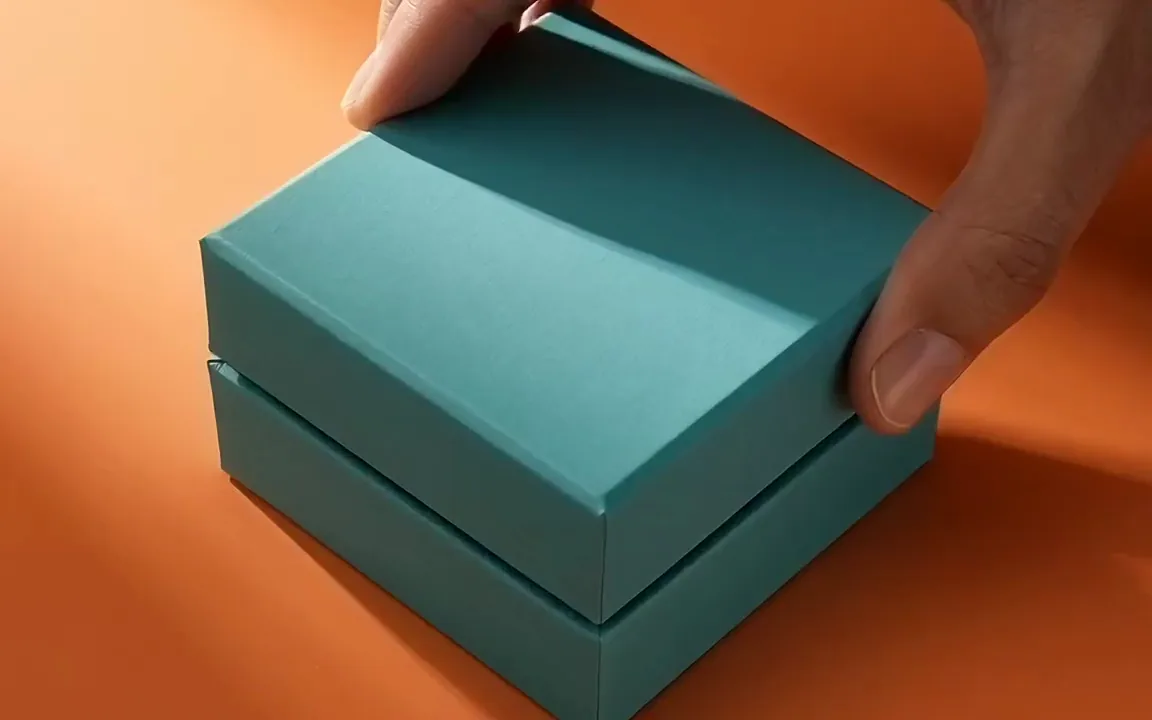
  • Text to video promo clip of a hand opening a teal gift box to reveal a gold necklace on pink silk

    Small brands making promos

    Give every launch and sale its own promo clip without booking a shoot. Describe the product moment you picture and get an ad style video ready to post.

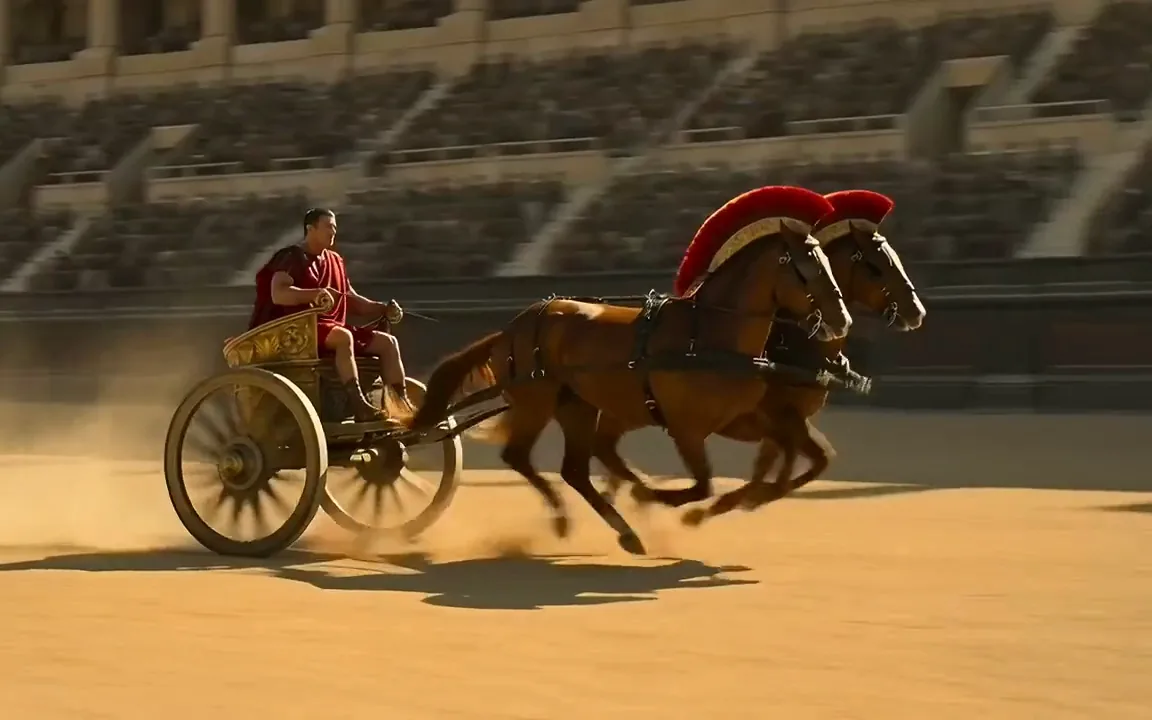
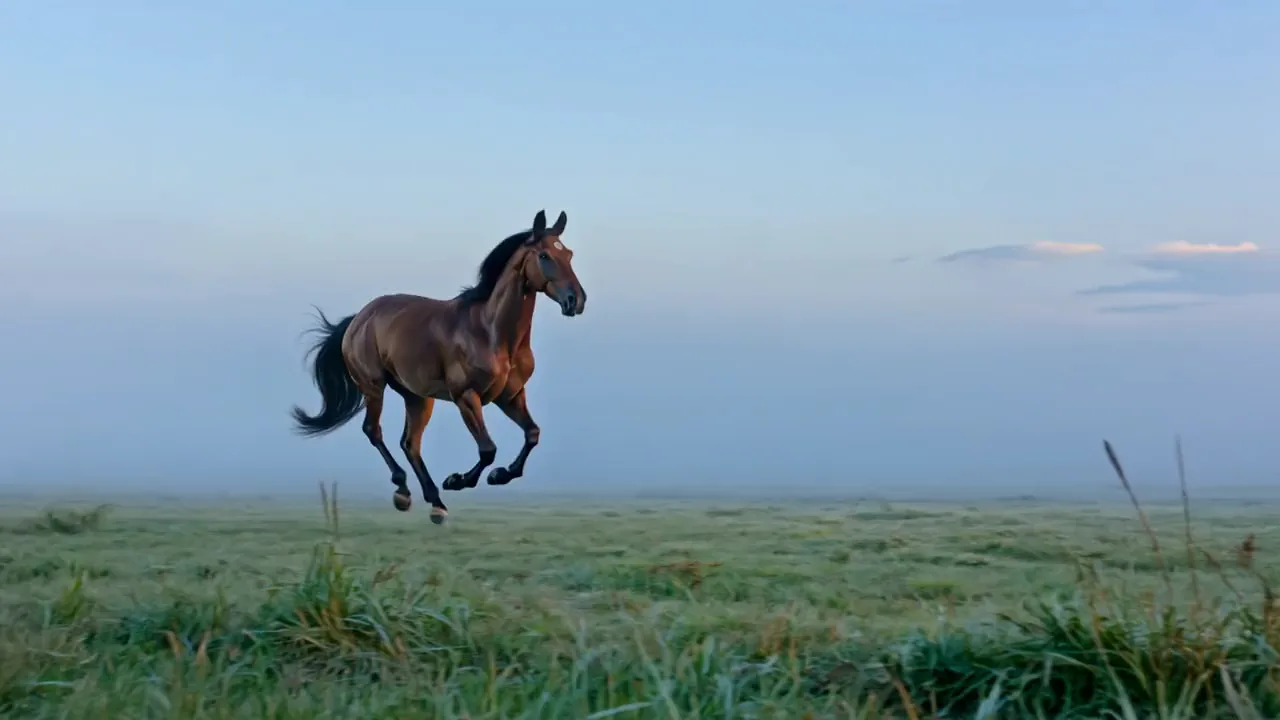
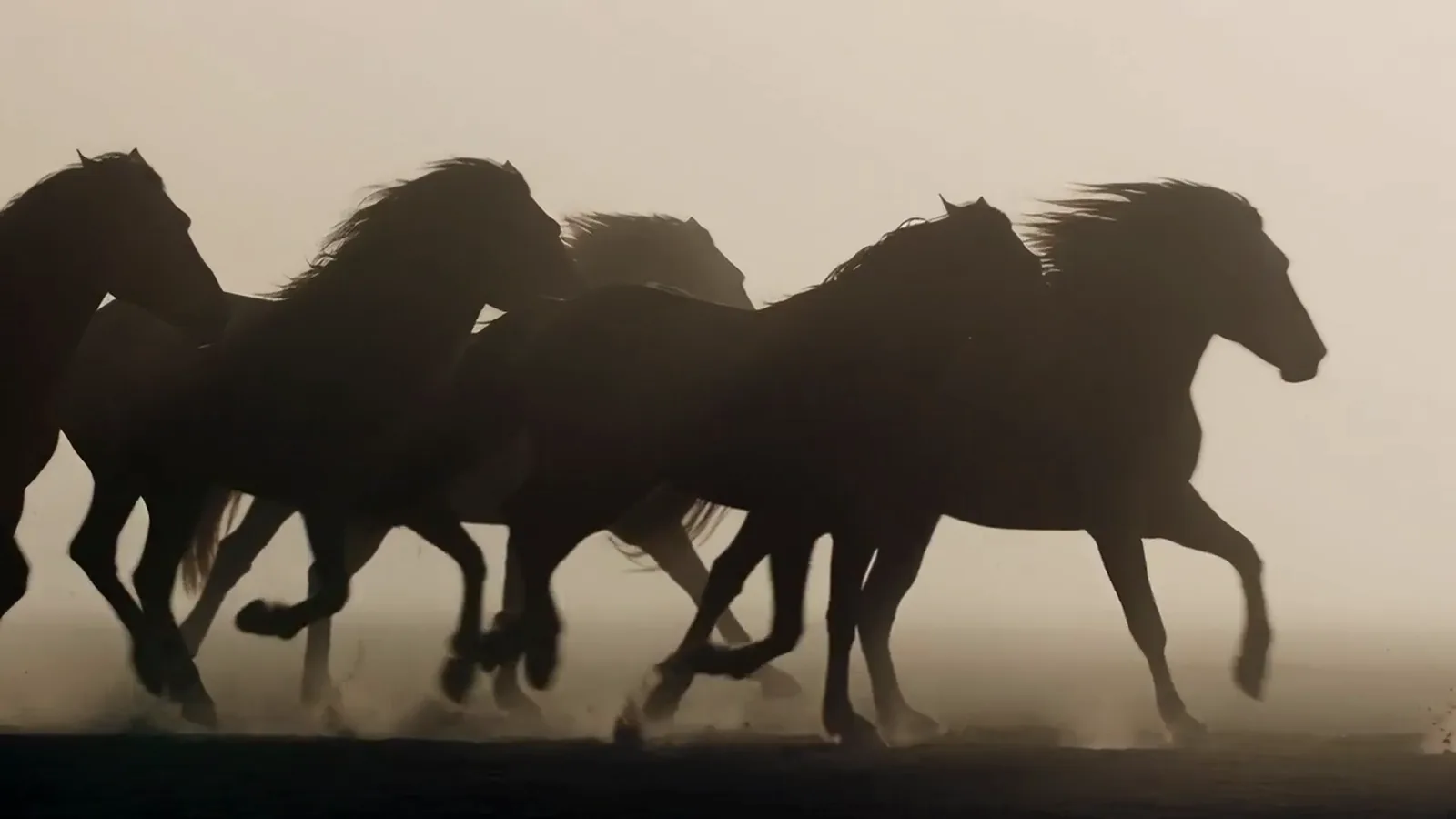
  • AI video of a Roman chariot pulled by two galloping horses across a dusty arena

    Teachers and storytellers

    Turn a lesson or a story into scenes your audience can watch. Describe one moment at a time. Play it back and watch the idea stick with your class or viewers.

More models on Pixelcut

Switch models per generation instead of per subscription. Each card opens that model's page.

  • Cinematic motion, and your first video is free

    • New
    • Free with sign-up
    • Image to video
    • Up to 10 s
  • ByteDance's newest video model

    • New
    • Audio
    • Image to video
    • Up to 30 s
  • Text, image and reference video, up to 15 s

    • New
    • Audio
    • Image to video
    • Up to 15 s
  • Photoreal video with synchronized audio

    • Audio
    • Image to video
    • Up to 8 s
  • Multi-shot scenes and elements

    • New
    • Audio
    • Image to video
    • Up to 15 s
  • Synchronized audio in many languages

    • Image to video
    • Up to 10 s

How to create a video with text

  1. 1

    Enter your prompt

    Type a short description of the video you want to see, with the subject, the setting and how the camera moves. The more detail you give, the closer the result.

  2. 2

    Generate the video

    Pick a model and the settings you need, such as length, aspect ratio and resolution, then press generate to turn your prompt into a text to video clip.

  3. 3

    Refine and reiterate

    Watch the result and fine tune your prompt to change the action, the light or the camera. Try another model or idea and generate again until it feels right.

  4. 4

    Download your video

    Save your clip to your phone or computer when you are happy with it. It is ready to post on social media, play in a presentation or share with your team.

Plans for video generation

Video is billed in credits per second of footage. Pick the plan that matches how much you make.

Save 20% with a yearly plan

Free

$0
per month, billed yearly
Your first video free on MiniMax H3 Max
Image tools free to try

Pro

$10$8
per month, billed yearly
600 AI Credits Monthly
Access all AI models
Unlimited Background Removal
Unlimited Upscale
3 Person Team
1,000 Batch Exports Monthly
Commercial license
Most Popular

Business

$30$24
per month, billed yearly
3,600 AI Credits Monthly
Access all AI models
Unlimited Background Removal
Unlimited Upscale
10 Person Team
2,000 Batch Exports Monthly
Commercial license
Trusted by over 200,000 creators, brands and small businesses

Trusted by creatives at

  • Adidas logo
  • Airbnb logo
  • Apple logo
  • Chanel logo
  • Google logo
  • Gucci logo
  • H&M logo
  • Nike logo
  • Sephora logo
  • Starbucks logo
  • Toyota logo

Frequently Asked Questions

Write a sentence and watch it move

More AI video tools on Pixelcut